Two glossy skin masks
Two variations: soft and strong. The very same swap gets you either a restrained sheen or a pronounced one.
Glossy Skin Mask for Nagi -凪-
Skin with a soft, damp-looking sheen. Just swap in the MatCap mask that ships with the avatar, and the legs, shoulders and collarbones start catching the night lights and backlight with a quiet gloss.
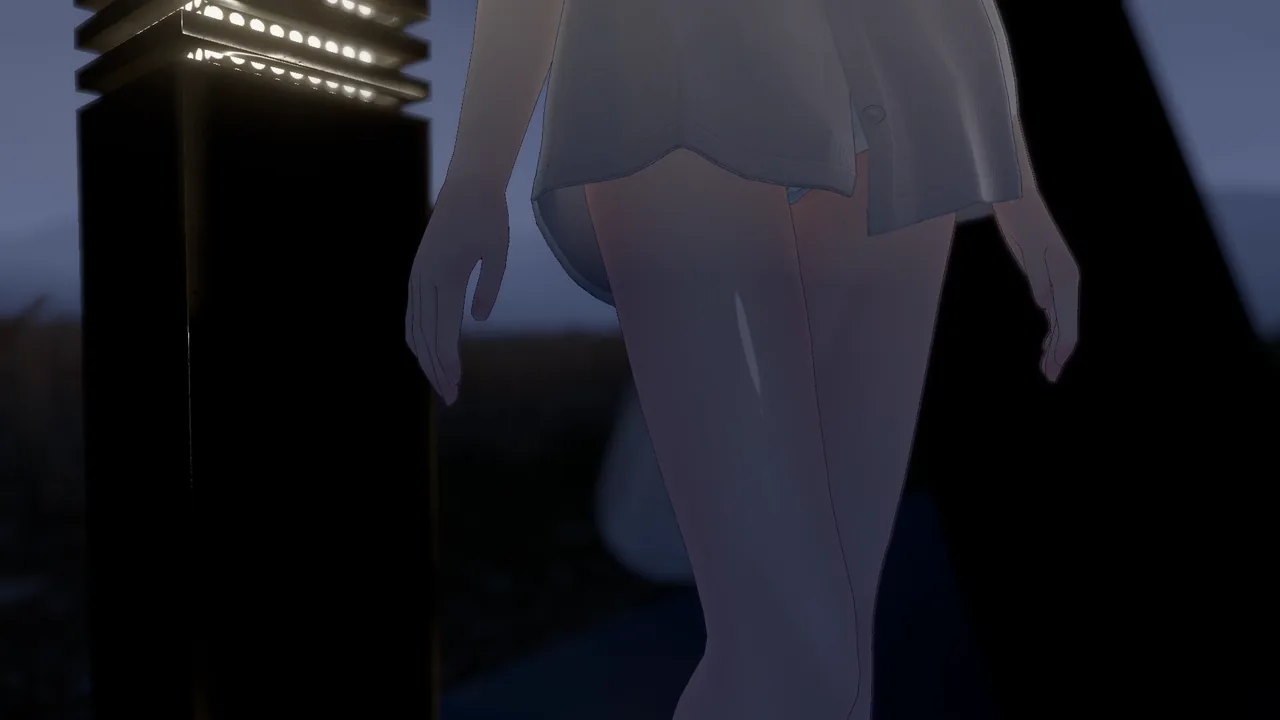
The masks are the main event. The slider is a bonus for people who want to adjust the amount on the spot, so swapping the mask on its own works perfectly well without it.
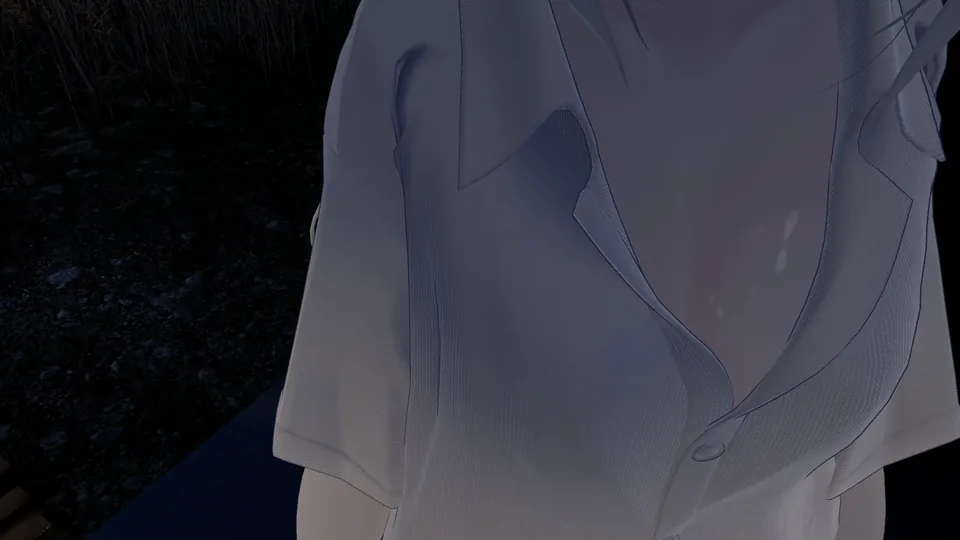
Two variations: soft and strong. The very same swap gets you either a restrained sheen or a pronounced one.
Finer than the mask that ships with Nagi, so the edge of each highlight comes out smooth.
Drop the image into the “Mask” field under “MatCap” in lilToon. No avatar-editing knowledge required. lilToon is the shader already used by the materials that ship with Nagi, so there is nothing extra to install.
Adds a radial slider to your VRChat menu so you can change the gloss strength from 0 to 100% on the spot. The value you set is saved and is still there after your next login. It is strictly a bonus feature.
Four steps. No avatar-editing knowledge required.
Import this product's unitypackage into your Unity project.
Duplicate Nagi's body material and assign the duplicate to the body mesh.
Editing the bundled material directly means your settings are wiped whenever the avatar is updated.
On the duplicated material, open “MatCap” in the lilToon inspector and set this product's mask texture in the “Mask” field.
Swap between soft and strong, compare the two, and keep whichever you prefer.
What the masks are, and how the bonus gimmick is set up. Click a group to expand it.
| Name | Look | Intended use |
|---|---|---|
| soft | Restrained | Everyday use, when you want to keep it subtle |
| strong | Pronounced | Photo shoots and other moments when you want more gloss |
The masks are drawn to match Nagi's skin UV layout. Set them in the “Mask” field under “MatCap” in lilToon.
| Item | Value |
|---|---|
| Parameter name | GlossySkin |
| Type | Float (synced, saved) |
| Default value | 0.6 |
| Control | A radial slider in the VRChat menu. Changes the gloss strength from 0 to 100% |
| Synced parameter cost | 8 bits (one Float) |
| Dependency | Modular Avatar (free) is required separately |
| Target path | nagi_body |
The bonus slider assumes the body mesh still has its default object name (nagi_body). If you have renamed it or moved it within the hierarchy, no error is raised, but the slider will not do anything.
Please read through these first.
This product is made exclusively for Nagi -凪- (by rio3d). It is drawn to match that avatar's skin UV layout, so it will not work correctly on any other avatar.
Neither the avatar itself nor its materials are included. This product contains only the mask textures and the bonus gimmick.
This is an unofficial add-on created by an individual. Please do not send inquiries about this product to rio3d.
The bonus slider assumes the body mesh still has its default object name (nagi_body). If you have renamed it or moved it within the hierarchy, no error is raised, but the slider will not do anything.
The bonus slider uses 8 bits (one Float) of your avatar's synced parameters.
Using the bonus slider requires Modular Avatar (free), installed separately.